
Video surveillance has become a standard part of how New Zealand businesses protect their premises, people and stock, particularly as the security threats facing commercial properties continue to evolve. Specifying a system, however, involves considerably more than selecting cameras. Camera type, positioning, how footage is stored, whether anyone is watching it in real time and the privacy obligations that apply once staff and customers are recorded all determine how well a system performs when it is needed.
This guide sets out each of those decisions in practical terms, from the initial site assessment through to handover. Matrix Security has designed and installed fit for purpose video surveillance systems for 30-plus years, working with businesses across Auckland and the rest of New Zealand.
Here is what this guide covers:
- CCTV or Video Surveillance, What Is the Difference?
- Camera Types Explained
- Where to Place Your Cameras
- Storage and Footage Retention
- Live Monitoring vs Recording Only
- Workplace CCTV and Privacy in NZ
- What Installation Involves
- Frequently Asked Questions
CCTV or Video Surveillance, What Is the Difference?
CCTV and video surveillance are used interchangeably across the industry, and both describe camera systems installed to protect a property. There is a technical distinction behind the two terms, and it has a bearing on what a system can do.
CCTV stands for closed circuit television, which described the original technology precisely. Analogue cameras were wired in a closed loop to a recorder held on the premises, and footage remained within the building. Systems of this type continue to operate on sites throughout New Zealand.
Most systems specified today are built on a different architecture, and this is what Matrix Security now installs. Cameras connect over a network, footage can be held on site or in the cloud or across both, and smart analytics identify activity as it occurs rather than after a recording is reviewed. This is why the industry increasingly refers to video surveillance systems, while retaining CCTV as the term most businesses recognise.
The distinction becomes relevant when comparing quotes. Storage location, remote access and analytics account for much of the variation between proposals and are worth confirming with any supplier.
Analogue and IP CCTV Systems for Business
Analogue cameras transmit video down coaxial cable to a DVR, a digital video recorder, installed on the premises. IP cameras transmit over network cabling to an NVR, a network video recorder, to a cloud service, or to both. IP systems support higher resolution, remote access to live and recorded footage on desktop and mobile, and smart analytics including line crossing, loitering and perimeter alerts. Matrix Security specifies IP systems as standard for new commercial installations, with cloud or hybrid storage and analytics configured to suit the site. An existing analogue system can often be migrated across in stages rather than replaced outright, and upgrading your video surveillance covers how that process generally runs.
Camera Types Explained
Four camera types account for most commercial installations, and all four are available in analogue and IP. Selection depends on the mounting position and what the camera is required to capture.
| Camera Type | Best Suited To | Key Consideration |
| Bullet | Perimeters, entrances, driveways, yards and other outdoor areas where a visible camera and more directional coverage are preferred. | Their prominent shape can provide a useful visual deterrent, and they are generally easy to position towards a specific area. Depending on the model and lens, bullet cameras can also be suited to longer-range viewing or specialised applications such as licence plate recognition (LPR). |
| Turret | General indoor and outdoor coverage, including entrances, walkways, building exteriors and commercial areas. | A versatile fixed-camera design that is easy to position and adjust. The exposed lens design can also reduce some of the internal infrared reflection issues that can occur with dome covers, particularly at night. |
| PTZ (pan-tilt-zoom) | Large open areas such as yards, car parks, warehouses and sites where operators may need to actively follow or inspect activity. | PTZ cameras can move and zoom to view different areas, but at any one time they are only viewing the direction in which they are positioned. They are therefore commonly used alongside fixed cameras that maintain continuous coverage of critical areas. |
| Dome | Indoor areas, public-facing locations, retail environments and positions where a more discreet or physically protected camera is preferred. | The enclosed dome provides additional protection against interference and makes the camera’s exact viewing direction less obvious. Correct installation and maintenance of the dome are important to minimise reflections, dirt or moisture affecting image quality. |
Commercial sites generally use a combination of camera types rather than relying on one style throughout. For example, a retail site may use dome or turret cameras internally with bullet cameras covering entrances and external areas, while a larger yard may combine fixed cameras for continuous coverage with a PTZ for closer inspection of activity.
The camera body style is only one part of system design. Resolution, lens selection, low-light performance, mounting position, lighting and video analytics all have a significant impact on the footage a camera can produce.
Where to Place Your Cameras
Positioning has a greater bearing on the usefulness of footage than camera specification does, since a high-resolution camera at the wrong angle still produces unusable evidence. Matrix Security designs camera coverage to serve two objectives at once, maximising deterrence and capturing evidence grade footage. The two are not always achieved from the same position, which is why coverage is planned across the site rather than camera by camera. The checklist below covers the areas relevant to most commercial sites.
- Cover every entry and exit, cameras need to be positioned to achieve suitable facial identification while also considering tampering, mounting height and viewing angle.
- Position a camera over point of sale and till areas, where cash, refunds and returns are handled.
- Include stock rooms, storage areas and anywhere high value goods are held or staged.
- Watch loading docks and goods in, goods outdoors, which carry the highest volume of unsupervised traffic.
- Extend coverage to car parks, side gates and perimeter lines, particularly boundary fences backing onto public access.
- Address the blind spots, including stairwells, rear fire exits, space behind display units and floor area obscured by racking.
Lighting, mounting height and angle all affect what a lens can resolve in practice, so final positions are confirmed during a site assessment rather than determined from a list alone.
Storage and Footage Retention
Footage is held in one of two ways, or a combination of both. Local recording stores video on an NVR or DVR housed on site, which provides immediate access without ongoing storage costs, although the recorder itself is vulnerable if the premises are broken into. Cloud storage holds footage off site and accessible from any location, generally on a subscription basis. Matrix Security commonly configures both on commercial sites, recording locally while transferring critical footage to the cloud.
Retention is determined by the business rather than by a fixed standard. The appropriate period reflects how exposed the premises are, how quickly incidents typically come to light, and any requirement set by an insurer or industry body. Camera count, video quality and storage capacity together determine how far back recordings extend, so capacity and retention are specified together during system design, based on the coverage the site requires.
Live Monitoring vs Recording Only
Three distinct services frequently appear under the same heading on a quote and separating them clarifies what is being priced.
Recording only. Cameras record continuously or on motion, and footage is reviewed after an incident has occurred. This is the baseline most systems begin with.
Remote video monitoring. Cameras stream to trained operators in the Matrix Security Monitoring Intelligence Centre, which holds a C1 grading, for operational capability, performance and continuity requirements, and operates 24/7, 365 days a year. Coverage can be full time or scheduled for after hours and weekends. Analytics flag unusual activity for an operator to verify, and operators can issue live audio warnings through on-site speakers while an event is in progress. Further detail is available on the remote video monitoring page.
Video verification. When an alarm sensor is triggered, the system pairs the alert with footage from before, during and after the event. Analytics filter nuisance alerts, and a trained operator then confirms whether the threat is genuine, reducing unnecessary callouts and the fees attached to them. Verified alarms are also typically given higher priority by police. The video verification page explains the process in full.
The appropriate option depends on the risk profile of the site and the budget available. A low traffic office with sound access control may be well served by recording alone, while premises holding high value stock overnight generally justify active monitoring. Integrating cameras with alarm systems is what makes verification possible, since the alarm identifies where the system should look.
Workplace CCTV and Privacy in NZ
Footage of identifiable people constitutes personal information, which places a workplace system under the Privacy Act from the day it is commissioned. The Office of the Privacy Commissioner sets out that an organisation may only collect personal information necessary for a purpose connected to its functions or activities, so a defined purpose for the cameras precedes the installation itself.
Their guidance recommends resolving the detail before any equipment is mounted, covering the purpose, whether audio is required at all, who holds access, how long footage will be retained, how it will be secured, and how a request to view footage will be handled. A Privacy Impact Assessment is the recommended method, and templates are available on their site.
Three points apply to most employers. People must be informed that they are being recorded, and signage is the standard method, identifying who owns and operates the system along with contact details. Audio is treated as more invasive, so the recommendation is to leave sound recording disabled unless it is genuinely necessary, and to disclose it where it is in use. Individuals also hold a right under principle 6 to request footage of themselves, which requires a process to respond. Full detail is available in the Privacy Commissioner’s CCTV guidance and the companion page on responding to access requests for CCTV footage.
What Installation Involves
Commercial security camera installation follows four stages, regardless of the scale of the site.
- Site assessment. Matrix Security visits the premises, confirms risk areas, and maps cameras, lighting and motion sensors for optimal coverage, balancing indoor and outdoor views and minimising blind spots.
- System design. The result is a clear plan, fixed pricing and an installation timeline suited to how the business operates, covering camera count, type and position alongside storage, network requirements and remote access.
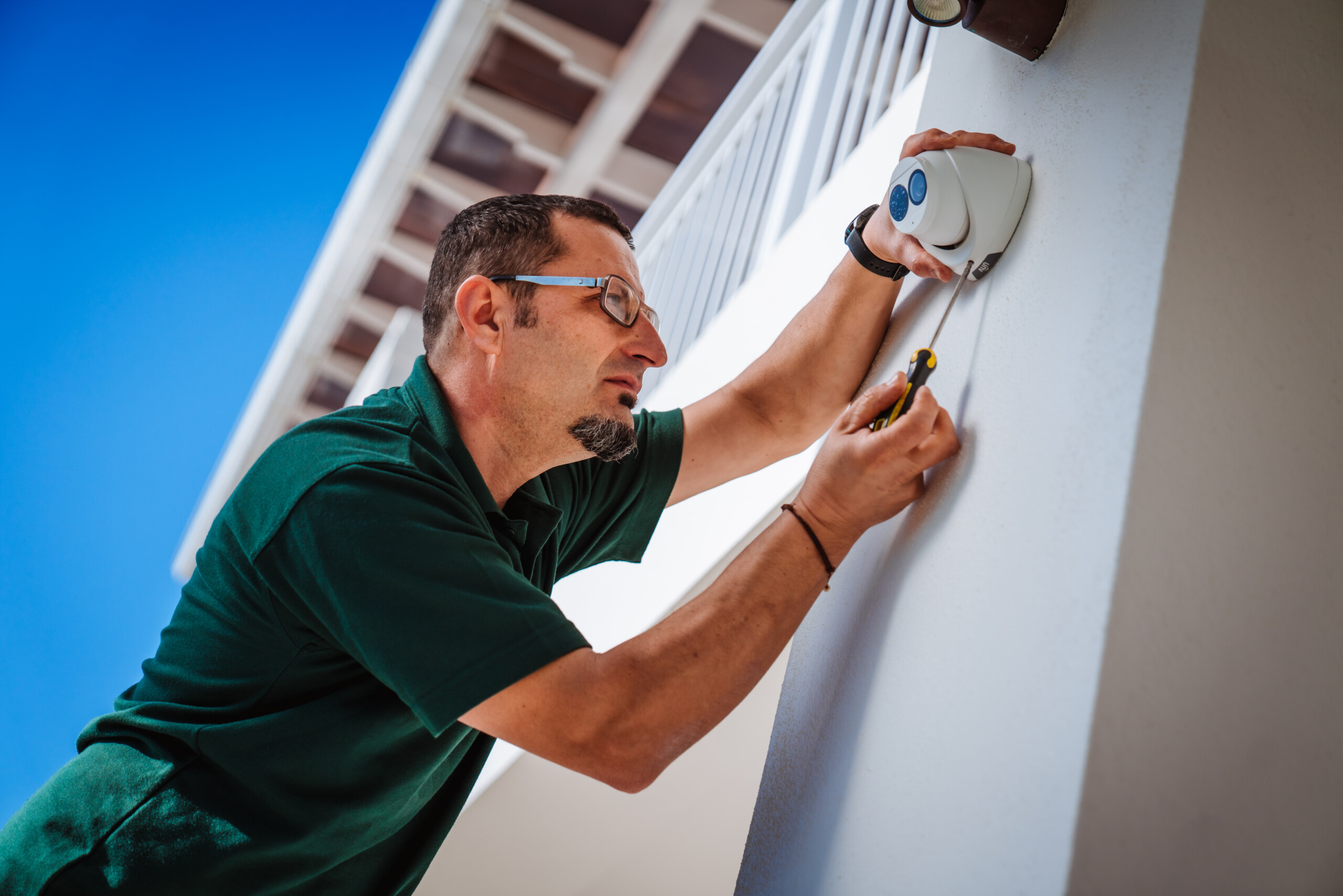
- Installation. Technicians complete tidy cabling, mount the hardware, commission the system and configure secure remote access. All technicians hold a Certificate of Approval, along with first aid, fire and Site Safe qualifications.
- Handover. Staff are trained on the system, settings are documented, and ongoing maintenance is scheduled, covering camera cleaning, firmware updates and system health checks.
Installation timelines and cost are shaped by the size of the site, the number of cameras, the cabling runs required, whether elevated access equipment is needed, the condition of any existing network infrastructure, and whether footage is stored locally, in the cloud or across both. Multi-site rollouts are generally staged location by location to limit disruption to trading. Pricing is fixed once the site assessment and design are complete, so the figure quoted is the figure charged.
CCTV installation in Auckland is core work for the Matrix Security team, with national projects delivered through its wider network. Access control frequently arises during system design and how to control access to your business covers that discipline separately.
Frequently Asked Questions
What is the difference between CCTV and a video surveillance system?
CCTV originally described analogue cameras wired in a closed loop to a recorder held on site. Most systems installed today are IP based video surveillance systems running over a network, with cloud or hybrid storage and video analytics available. The two terms are used interchangeably in practice.
What type of camera is best for a small business?
Domes indoors with a bullet or turret camera covering the front and rear doors suits most small retail and hospitality sites. The business security cameras appropriate to a particular site depend on its layout and lighting, which a site assessment resolves quickly.
How long is CCTV footage kept?
There is no legally fixed period in New Zealand, so the decision sits with the business. Most set a period long enough that an incident is likely to surface before the footage is overwritten, then check it against anything their insurer or industry body requires. The ceiling is set by the hardware, since more cameras and higher resolution consume storage faster.
Is it legal to record staff at work in New Zealand?
Workplace cameras are lawful where there is a genuine purpose connected to the business and the recording is disclosed. The Privacy Commissioner expects people to be informed that they are being recorded, generally through signage identifying who operates the system.
What is the difference between monitored and recorded CCTV?
Recording only stores footage for review after an incident. Remote video monitoring means trained operators are watching in real time, and video verification means footage is assessed at the moment an alarm triggers to confirm a genuine event.
How much does commercial CCTV installation cost?
Cost is driven by camera count and type, the cabling required, the storage approach and whether monitoring is included, so it varies considerably between a single retail site and a multi-site rollout. Matrix Security provides fixed pricing once the site assessment and design are complete.
Choosing the Right System for Your Business
Each of the decisions covered here pulls on the others, which is why a system built for a single retail site bears little resemblance to one designed for a warehouse operation. Resolving them in isolation tends to produce a system that performs well on paper and poorly in an incident.
A site assessment brings them together against the particular layout, level of exposure and budget involved. With 30-plus years protecting New Zealand businesses, Matrix Security can specify a system that fits. Apply for a free security appraisal to get started, or contact one of our friendly team today.